Real source material
Paste a Roblox game URL, look up a public Avatar, or upload authorized references with a clear role.
Built for Roblox game thumbnails
Paste your Roblox game or upload one real screenshot. Get four distinct thumbnail directions, edit the strongest one, and download a 1920×1080 file ready for Roblox.
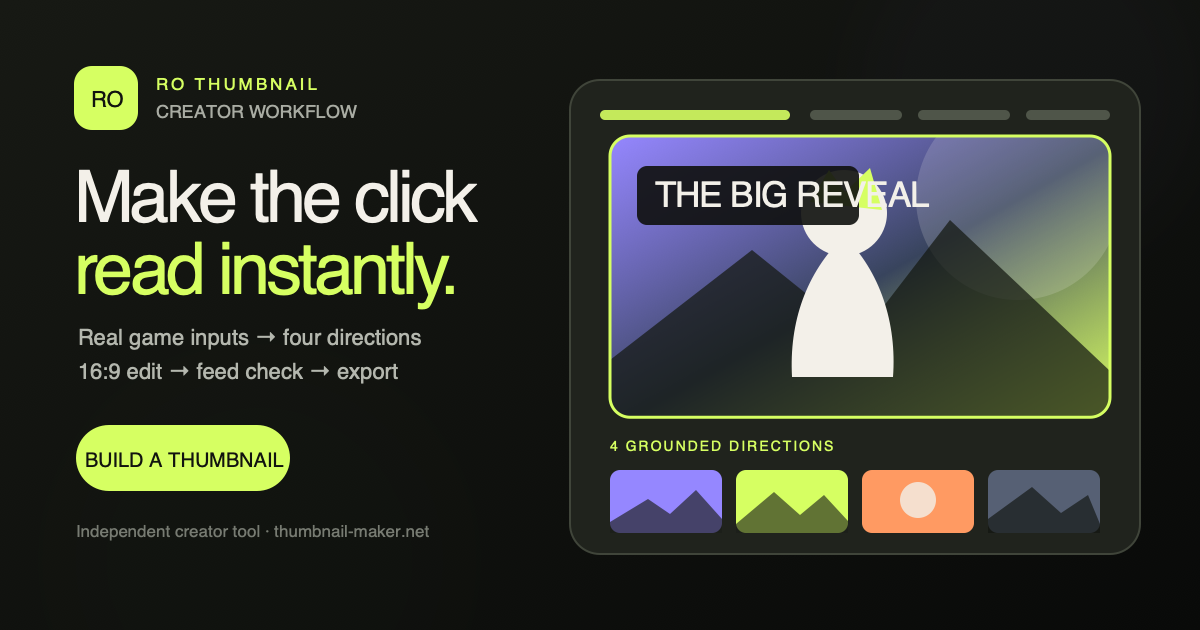 Ro ThumbnailProduct workflow
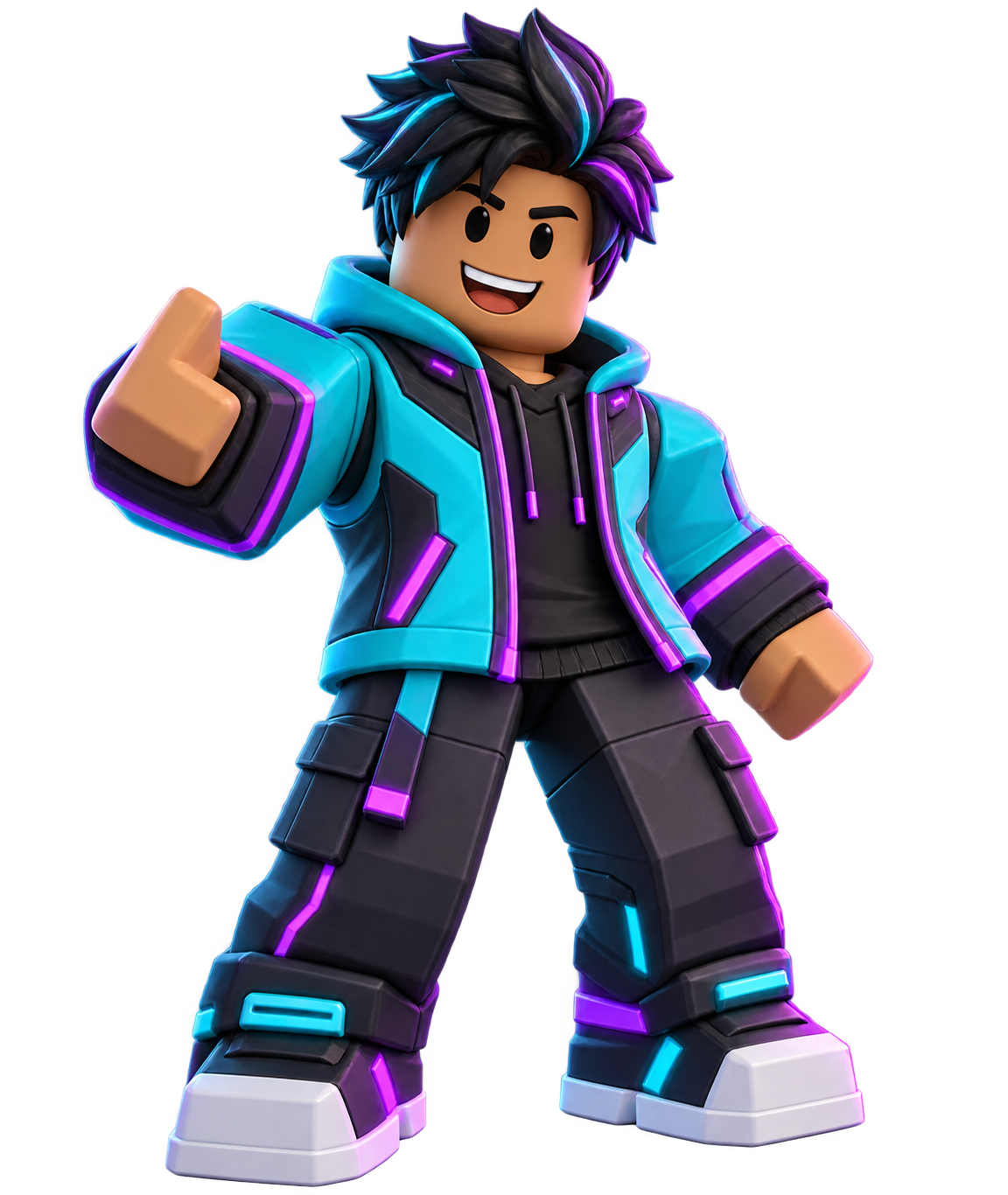 Avatar direction
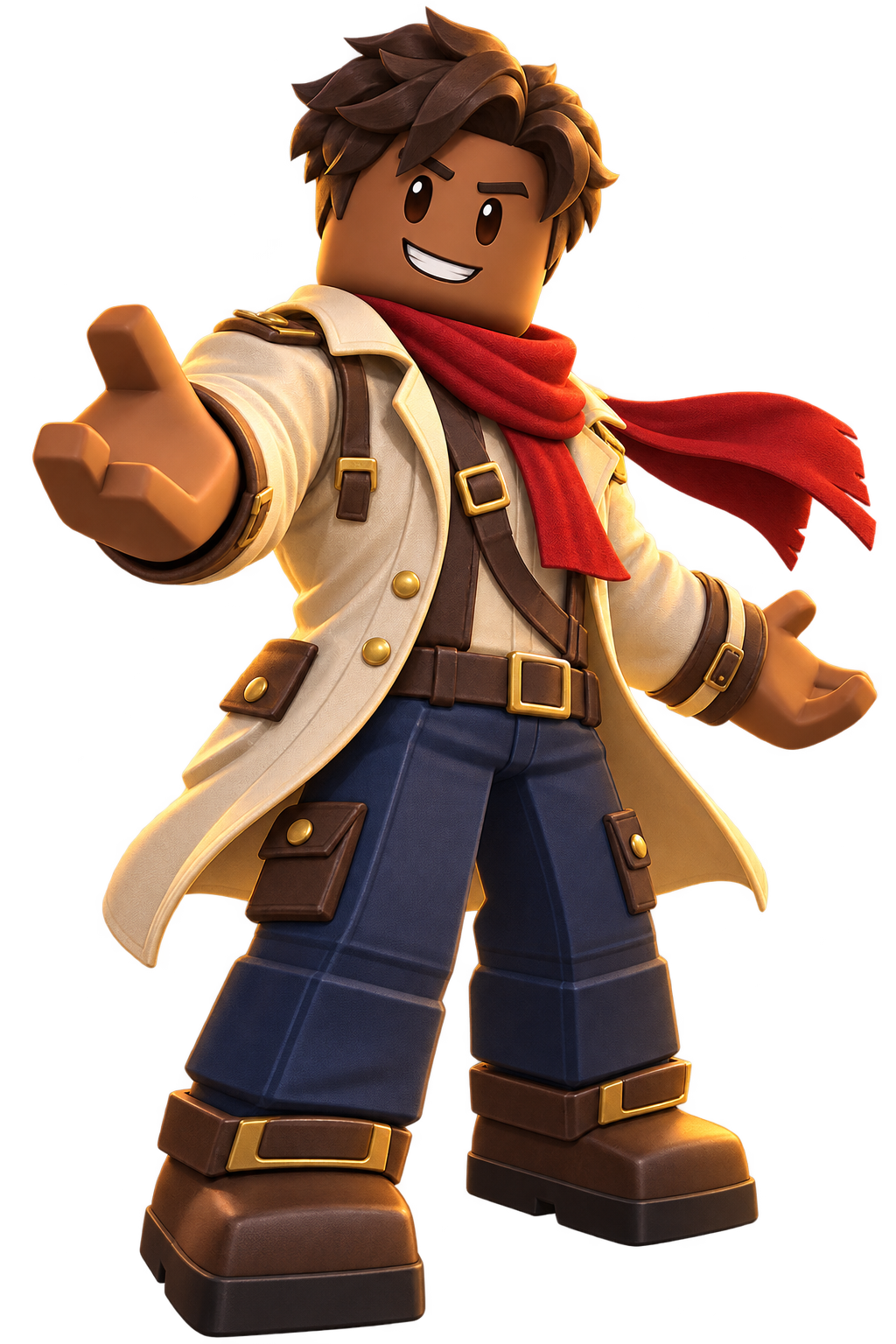 Pose direction
The complete loop
The product starts with the promise a player will see, then keeps every edit and AI direction tied to evidence from the game.
Paste a Roblox game URL, look up a public Avatar, or upload authorized references with a clear role.
Turn the same approved game evidence into four distinct, coherent scenes when generation is available.
Control crop, subject scale, title zone, lighting, background, and multiple variants.
Inspect at 320 and 200 pixels, then confirm gameplay truth before export.
Why this workflow
Start with the real game